 ArabDM
A free Arabic download manager for Windows: smart multi-connection downloads that finish faster, resume after interruptions, and catch downloads and videos from your browser.
- Completely free
- No ads
- No tracking
- Auto-updates
- Windows 10 & 11
Version 0.5.0 · 5.2 MB · SHA-256: b954c89141c49a68977535f812c8b4807a8a1901ea7cfa0a53468014060404d4
The app is new and not yet code-signed, so Windows may show “Windows protected your PC”: click “More info”, then “Run anyway”. You can verify the checksum above with certutil -hashfile ArabDM_0.5.0_x64-setup.exe SHA256.
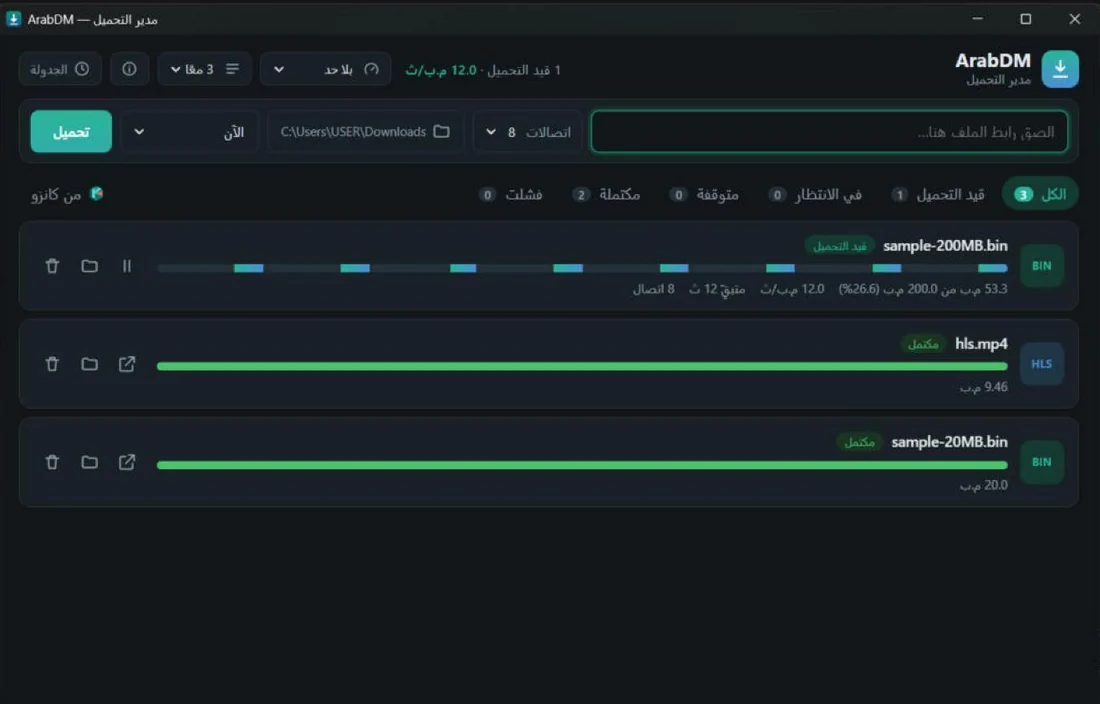
What ArabDM does
- Faster downloads
Splits each file across 8+ connections; a connection that finishes helps with the largest remaining part, so no slow tail.
- Resume anytime
Lost your connection or shut down? ArabDM continues where it stopped and checks the server file hasn't changed.
- Browser capture
The Chrome & Edge extension hands downloads to ArabDM automatically, with the cookies sites need for signed-in downloads.
- Streaming video
Downloads HLS and DASH video in the best available quality into a single MP4. DRM-protected content is never downloaded.
- Scheduling & speed limit
Set how many downloads run at once and a speed cap, schedule overnight downloads, then sleep or shut down.
- Arabic-first
Right-to-left interface that follows Windows dark and light mode.
- Safe auto-updates
When a new version is out, ArabDM tells you and installs it in one click. Every update is signed, so tampered files are rejected.
Browser extension
- 1. Install the app
Run the installer. It installs for your account without admin rights and registers the bridge with Chrome, Edge and Brave.
- 2. Open extensions
Go to
chrome://extensionsand turn on “Developer mode”. - 3. Load the extension
Click “Load unpacked” and pick
%LOCALAPPDATA%\ArabDM\extension.
Real screenshots
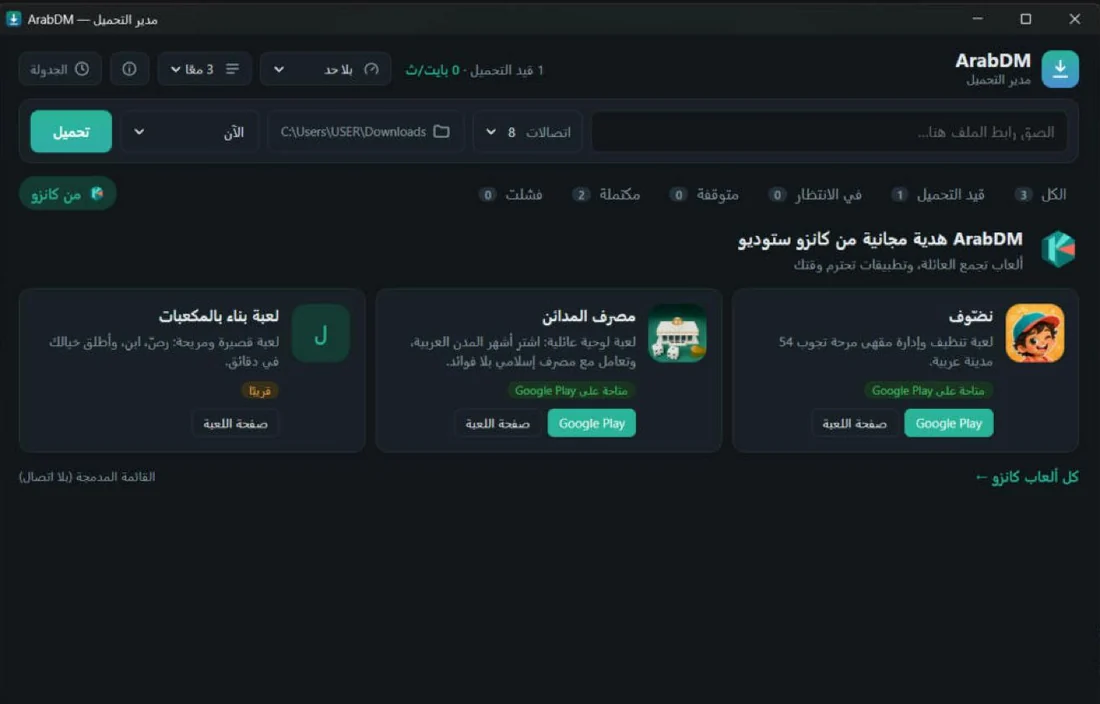
From Kanzo Studio
ArabDM is made by Kanzo, an Arab studio making games that bring families together. The app has a “From Kanzo” tab with our games, and you can hide it from “About”.
Is ArabDM free?
Yes, completely free for personal and commercial use, with no ads or subscriptions. Kanzo Studio makes it as a gift, and to introduce our games.
What data does it collect?
None. Downloads and settings stay on your PC; the extension passes the download link and that site's cookies only to the app on the same PC. See the privacy policy.
Can it download from any site?
It downloads files and unprotected video you have the right to download. It does not bypass DRM (as used by paid streaming services). Respect copyright and site terms.
Does video need extra software?
On your first video download, ArabDM offers “Enable video”: it downloads the free FFmpeg component (LGPL, about 74 MB) in one click from its official source and verifies its checksum. If FFmpeg is already installed, it uses that. Regular file downloads need nothing else.
How do I get updates?
Automatically: ArabDM checks at startup and once a day, and offers the new version to install in one click. Running downloads are saved and resume after the update.
When is the extension coming to the Chrome Web Store?
Soon. Until then, load it manually with the steps above, it takes a minute.
How do I contact you?
Email support@kanzo.dev.